Your business. An AI-powered marketing workspace.
Turn
interest
into
sales.
Create content worth noticing. Publish where your customers are. Keep the conversation going, with AI support and your direction.
Connected to your day-to-day
Create & publish ↗
- TikTok
- YouTube
Community manager ↗
- Facebook / Messenger
- X
- YouTube
- TikTok
Advertising
- Google Ads
- TikTok Ads
- Meta Ads
Your growth plan
A little direction. A lot of possibility.
Choose what matters most. We’ll build the plan around your business.

Your businessSOL · Citrus soda
Show details Start with your business brief
Your goal becomes a proposal. Review the direction, then approve the deliverables.
01 05
 Bestseller

01 / The old internet is over
The internet is no longer human-first.
You go first. Dopamina follows.
The first touch is human.
Start with what you want to achieve. You set the direction, review what goes out, and decide when your team steps in. Dopamina helps carry the work forward. The first touch and the final word are yours.
03 / Your direction, in motion
Your business runs every day.
Your marketing should too.
Meet the Dopies who help keep your marketing moving, from the first idea to the next customer conversation.





 Plant-based restaurant


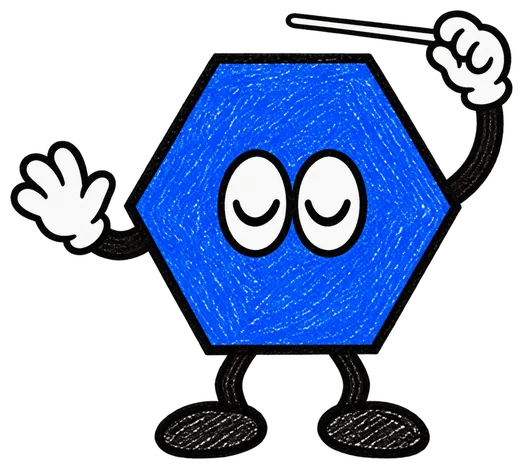
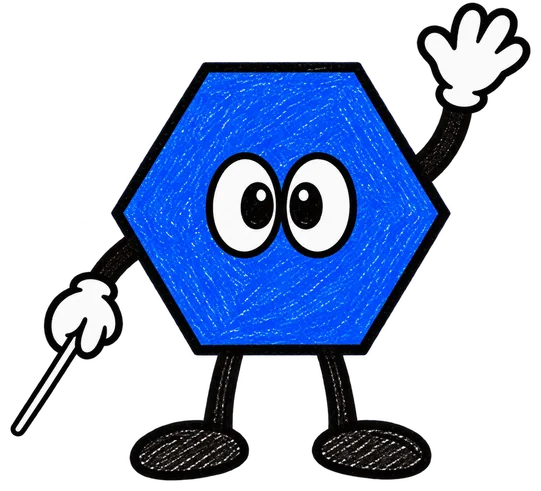



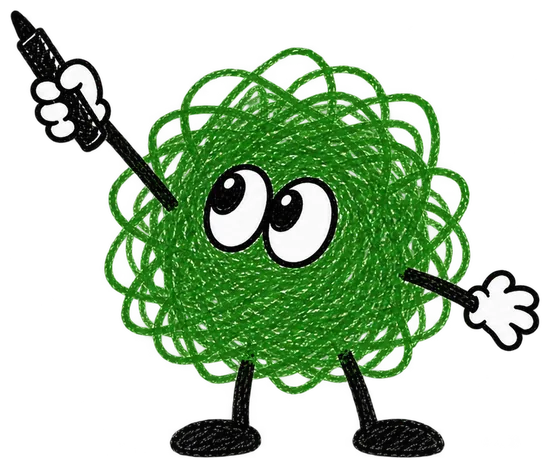
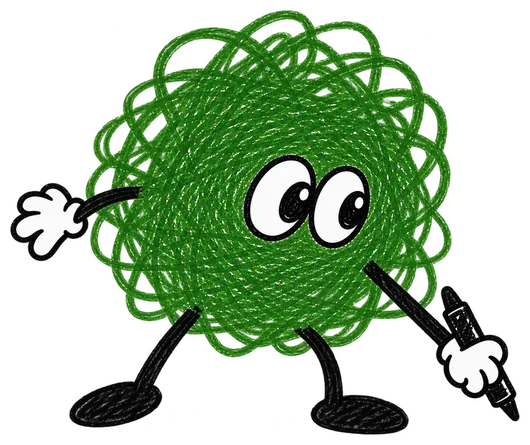























01 / Takes your direction
Ergo
Leads the whole team.
Tell Ergo what you want to achieve. It routes the work to the right tool and keeps you in the loop.

02 / Sketches the idea
Nudo
Creates images for you.
Bring a reference and a direction. Develop on-brand images on a visual canvas.

03 / Makes it move
Monty
Creates videos for you.
Short videos that show what makes your offer worth choosing.

04 / Puts it out there
Ping
Posts to your social media.
Review each destination, then publish now or schedule it on Instagram, Facebook, LinkedIn, and TikTok, plus videos on YouTube.

05 / Keeps the conversation going
Eko
Your community manager.
Replies with your business information and rules, and hands conversations to your team when a person is needed.

06 / Grows the audience
Otto
Creates and manages your campaigns.
Builds a website-traffic campaign with you. You choose the audience and budget, and review it before it goes live.

07 / Finds new voicesComing soon
Musa
Connects you with influencers.
Finds creators whose audiences could become your customers.
One direction. A whole team moving.
Start with your teamPlans
Choose your plan.
Your marketing, at your pace.
One credit balance. Your choice of how to use it.
Images, videos, campaign preparation, publishing and replies share your credits. Each maximum below assumes you use the balance for that activity alone. These allowances are not added together. Campaign counts describe credit usage, not an advertising budget; you set the campaign budget separately.
- 01 / Free

Try a little Dopamina.
$0To get started
800 one-time credits
Explore the workspace before committing to a paid plan. Your 800 starting credits are a one-time balance, not a monthly allowance.
Start for free- Try creating content with your starting credits
- 02 / Starter

Make your first move.
$399USD / month
4,000 credits per month
For businesses building a regular marketing routine: create content, publish posts and keep conversations moving from one workspace.
Open StudioIf used for one activity
- Up to 400 AI images
- Up to 20 10-second AI videos
- Up to 80 campaigns
- Up to 800 image posts
- Up to 4,000 community agent replies
Also includedCRM / Clients
- 03 / Medium

For a more active marketing routine
Give your ambition room.
$699USD / month
7,699 credits per month
For businesses creating and responding more often. A larger monthly balance to share across content, publishing and conversations.
Open StudioIf used for one activity
- Up to 769 AI images
- Up to 38 10-second AI videos
- Up to 153 campaigns
- Up to 1,539 image posts
- Up to 7,699 community agent replies
Also includedCRM / Clients
- 04 / Enterprise
Build on your terms.
Let’s talkA tailored plan
For teams needing a tailored setup, dedicated onboarding and human support alongside their agents. Talk to us about your workflow and scale.
Talk to our team- A plan tailored to your team.
- Human support alongside your AI agents.
- Dedicated onboarding and support.
Paid plans renew monthly and are billed in advance, plus applicable taxes. Cancel anytime; cancellation takes effect at the end of your billing period. Unused credits do not roll over unless your plan says otherwise. Fees already paid are non-refundable except where required by law.
A few useful answers
Before you make your next move.
- Create on-brand images in Content Studio, manage your media library, publish and schedule social posts, handle conversations, configure an AI community manager, prepare paid ads, and keep customer profiles in CRM.
- No. Dopamina is built around the day-to-day marketing work of businesses and the teams behind them: creating content, publishing, talking to customers, and running paid campaigns.
- Publish on Instagram, Facebook, LinkedIn and TikTok, plus videos on YouTube. The inbox brings together Instagram, Facebook/Messenger and WhatsApp. AI community management covers Instagram, Facebook, X, LinkedIn, YouTube, TikTok and WhatsApp. Supported actions depend on the network, permissions and access enabled for your account.
- It can respond to messages and comments using your confirmed business information, follow your reply and moderation rules, and flag cases that need your team. You configure its behavior and can review its activity.
- Yes. You review the creative, destinations, and details before confirming a post. For paid campaigns, you choose the audience, budget, and dates and review the campaign before publication. Automatic community replies have their own rules that you configure.
- The supported end-to-end workflow is a website-traffic campaign. Otto helps prepare it from a creative, connected ad accounts, audience, budget, and dates. You review and confirm it; other campaign objectives are not included in this workflow yet.
- Open Dopamina at studio.dopamina.media. Add your business information, connect the channels you use, and start with what you need today: content, publishing, conversations, or a paid campaign.

Less busywork. More of your business.
Your next move deserves
a little Dopamina.
Start creating Open your workspace and make your next move.